
PixAI Launches PixAI Studio, Bringing Node-Based AI Workflows to Anime and Visual Content Creation
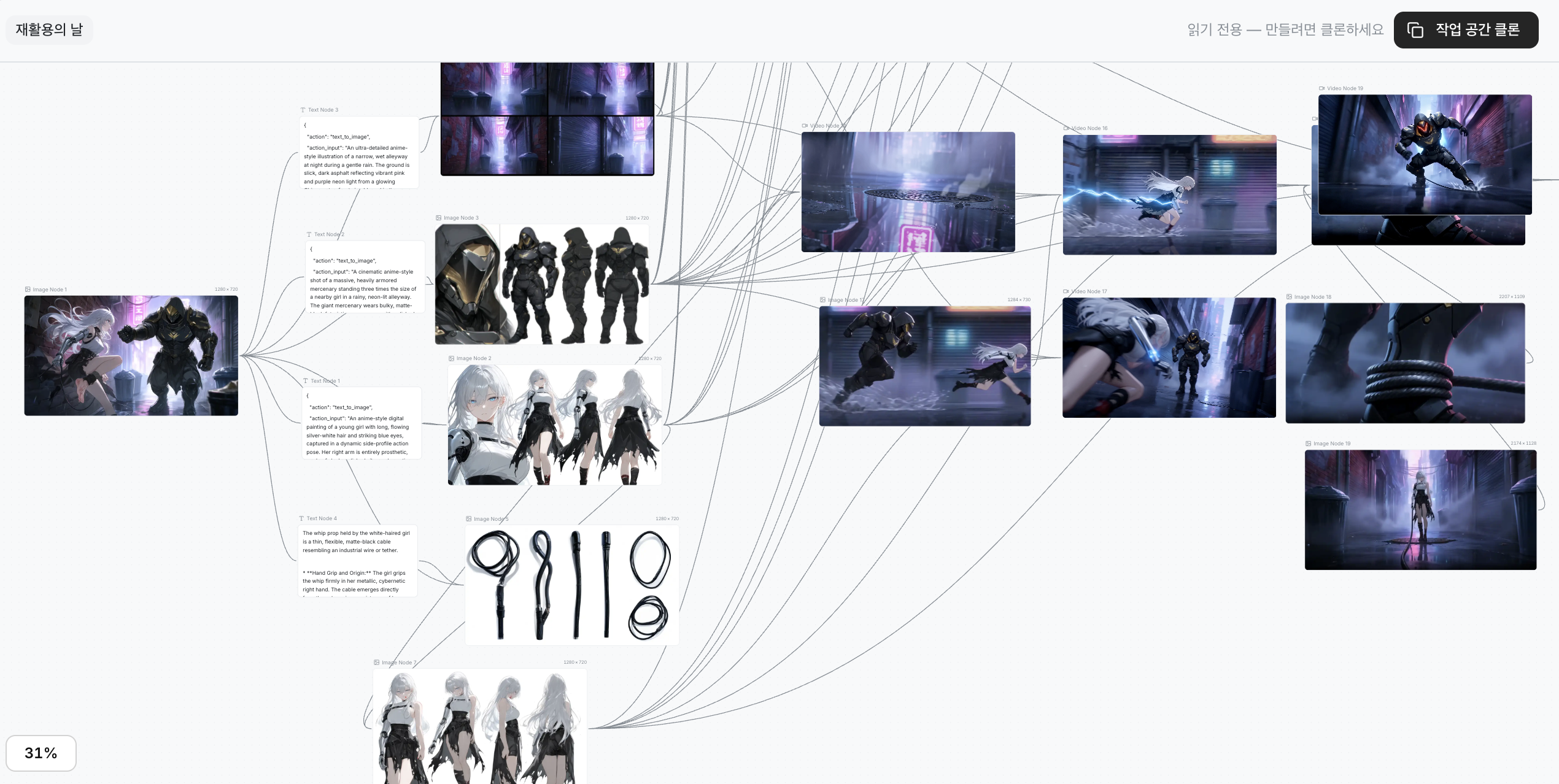
PixAI Studio Cinematic Video Production Workflow
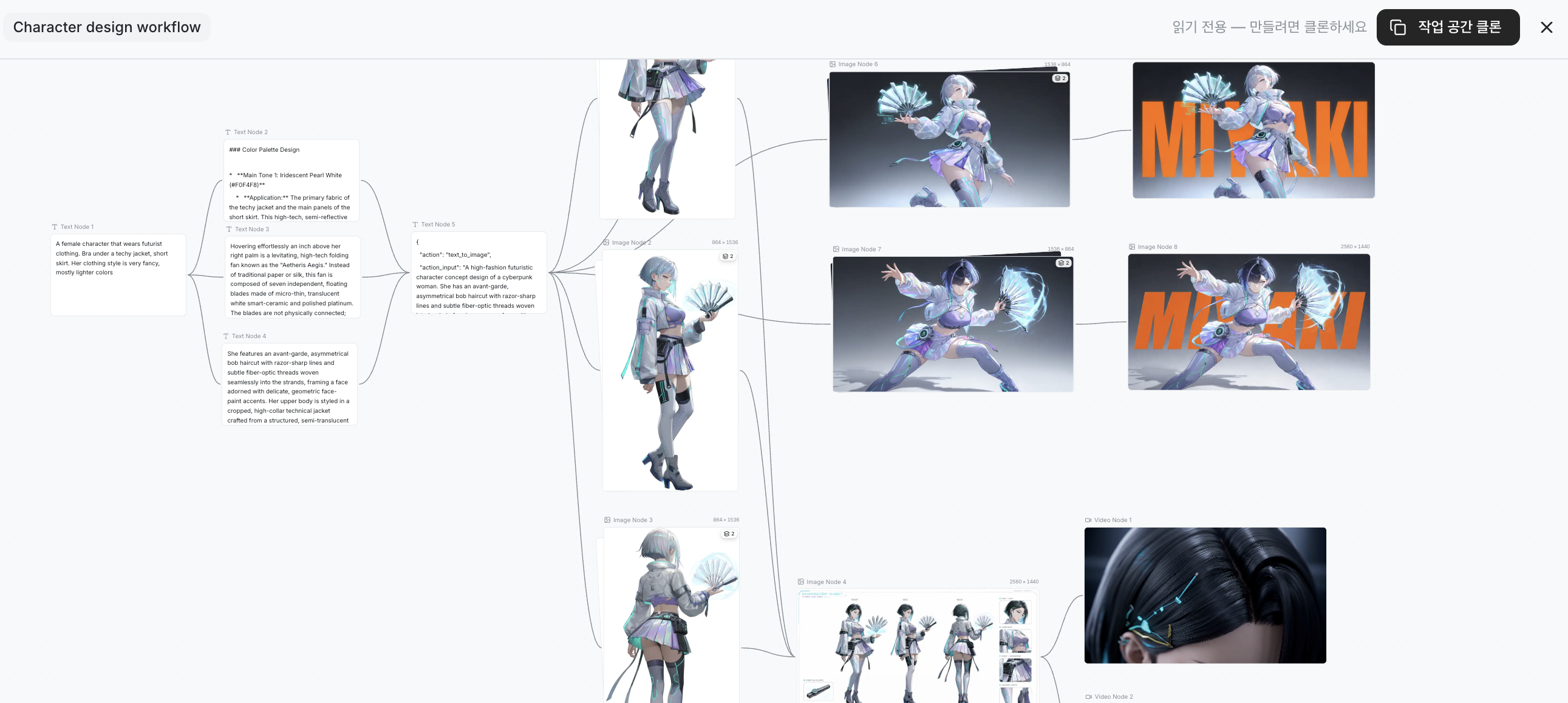
PixAI Studio Character Design Workflow
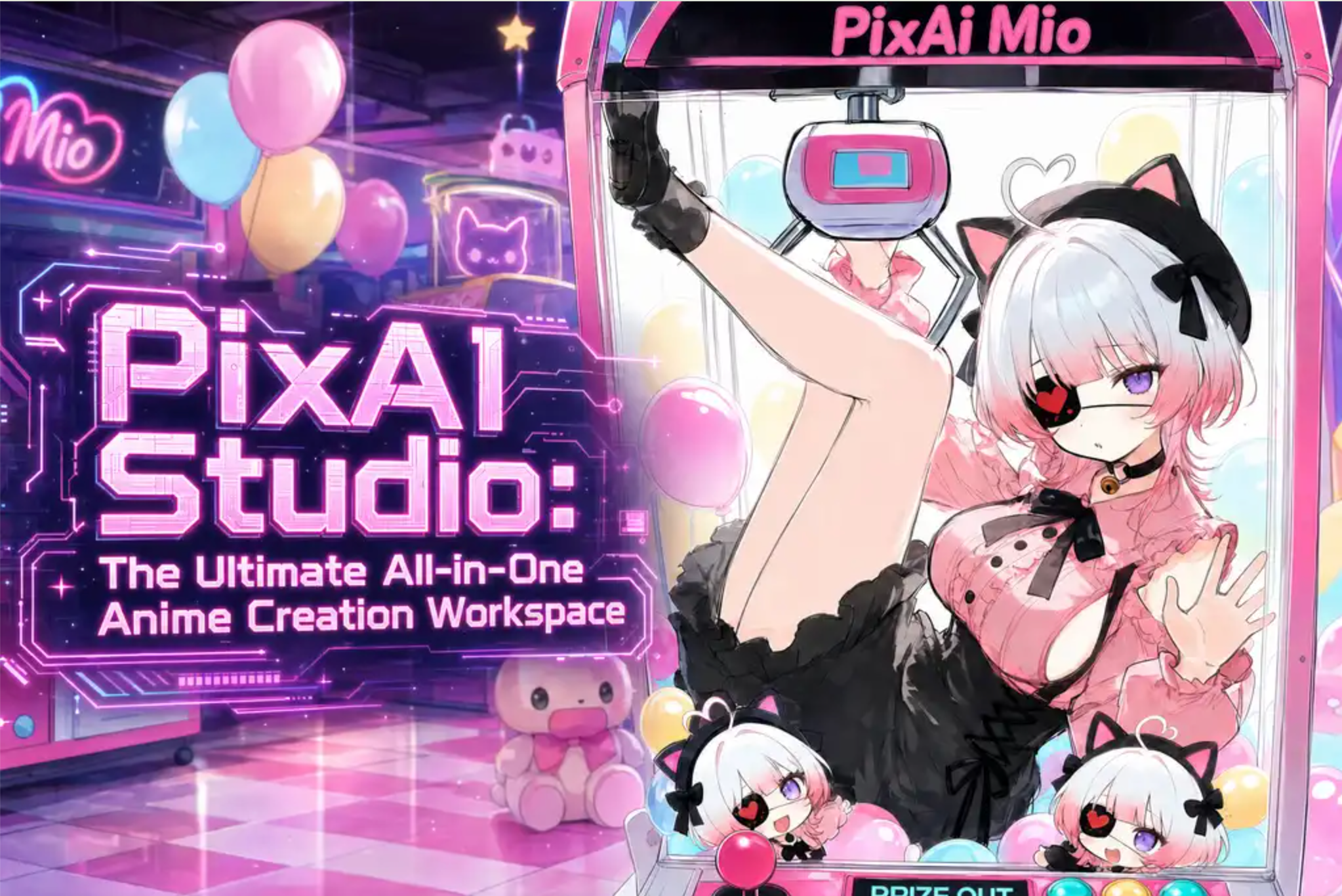
PixAI Studio
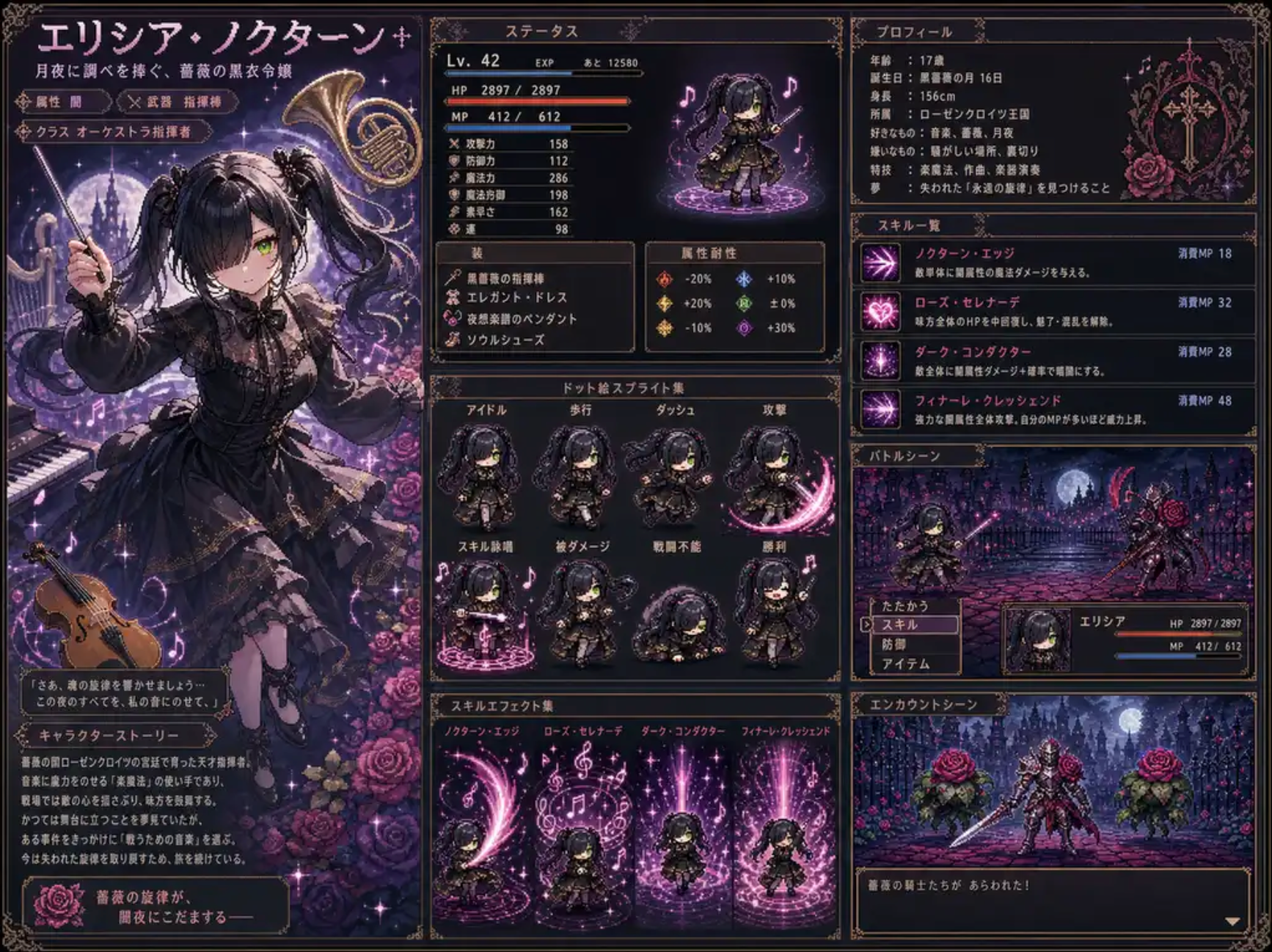
PixAI Studio “Pixel Quest” RPG Character Card Template
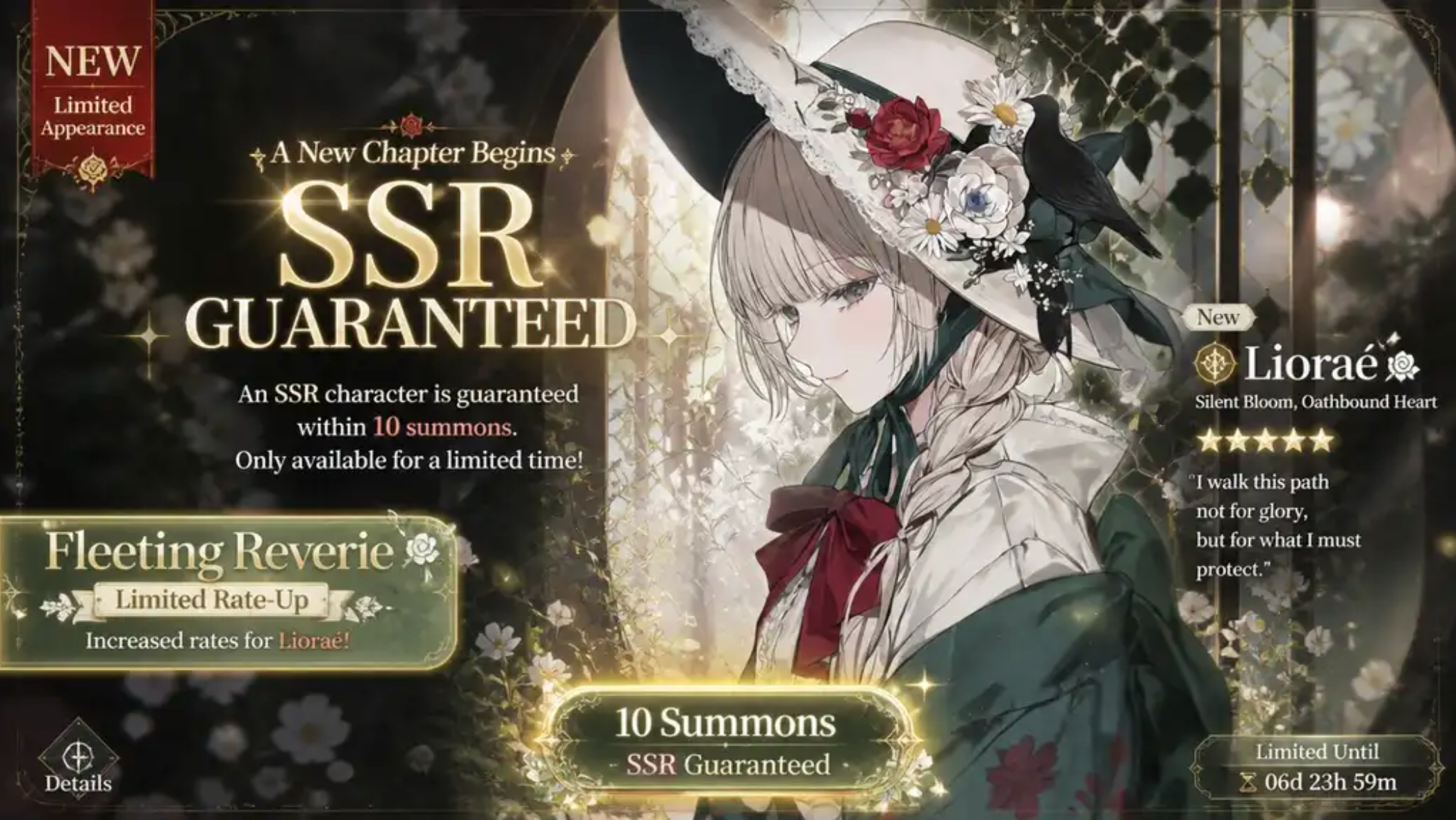
PixAI Studio “Fated Pull” Gacha Screen Template
“The new workspace connects models, assets, editing, video, and audio within a reusable visual production pipeline.”
NEW YORK CITY, NY, UNITED STATES, August 10, 2026 /EINPresswire.com/ -- PixAI, an anime-style AI art platform and creator community, has officially launched PixAI Studio, a node-based AI workspace that allows creators to design and manage multi-stage content production within a single visual canvas.Most web-based AI image tools follow a relatively linear process: users select a model, enter a prompt, adjust settings, and generate an image. When a project requires additional editing, video conversion, audio processing, or multiple connected scenes, creators often need to switch between different tools and pages, repeatedly importing assets and recreating settings.
PixAI Studio introduces an interaction model designed for more complex projects. Rather than treating generation as a standalone action, it presents the creative process as a visual network of connected nodes. Each node can represent an image, video, text, or audio asset, as well as a generation, editing, or transformation step. The output of one node becomes the input for the next, allowing creators to build a production workflow from an initial concept to finished content.
Built specifically for anime and 2D content creation, Studio connects this node-based workflow with PixAI’s models, community resources, editing tools, and existing user assets.
From One-Time Generation to a Reusable Content Production Pipeline
PixAI Studio is designed not only for generating individual images, but also for projects involving multiple production stages. A creator can begin with a character concept, generate an initial design, develop different expressions and outfits, place the character into multiple scenes, and then connect those scenes to video and audio production steps.
A single character image can be expanded into variations in expression, pose, outfit, and background, then developed further into story scenes, manga pages, animations, promotional visuals, or video content.
When creators need to revise a specific element, they can adjust the relevant node instead of rebuilding the entire project. The updated result can then continue through the remaining stages, reducing repeated setup and making iteration more efficient.
Through this process, AI-generated images can become reusable project assets for future scenes, stories, videos, and related content rather than one-time outputs.
This makes Studio particularly useful for manga, animation, visual novels, games, and serialized content that rely on recurring characters and connected visual worlds.
Bringing Complex Production Workflows Into One Visual Canvas
Traditional web interfaces are effective for quick generation, but fixed layouts can make more complex production processes difficult to view and manage. Prompts, reference images, models, editing tools, and output settings may be located across different pages or panels, while the relationships between them remain unclear.
PixAI Studio makes those relationships visible. Creators can place the assets and operation nodes required for a project on the canvas and connect them according to the project’s structure. Users can see where an asset originated, which later steps depend on it, and how one creative decision may affect the rest of the workflow.
The node-based structure gives creators a clearer overview of multiple characters, scenes, versions, and production stages within the same workspace.
Workflows can also be reused and expanded as a project develops, allowing creators to add new models, assets, or processing steps without rebuilding the overall structure.
Direct Access to PixAI Models, LoRAs, and Existing Assets
PixAI Studio connects directly with PixAI’s anime-focused model ecosystem. Creators can use PixAI’s proprietary image-generation models alongside more than 1.6 million community-created LoRAs, integrating them into image-generation, editing, and video workflows.
Users can combine multiple compatible LoRAs to define a project’s characters, visual style, outfits, poses, or other specialized elements. Once configured, the same combination can be reused across multiple scenes and content formats.
This helps maintain continuity across character appearance, color, atmosphere, and overall visual direction.
Creators can also import images and videos previously created on PixAI directly into Studio. An existing character illustration can serve as the foundation for new expressions, alternative outfits, additional scenes, promotional visuals, or video content.
Existing work can therefore remain part of an ongoing project instead of being repeatedly exported and re-uploaded across separate tools.
By combining proprietary anime models, community LoRAs, and existing creative assets, Studio turns resources already available on PixAI into reusable building blocks for larger workflows.
Templates Lower the Barrier to Node-Based Creation
Node-based tools provide significant flexibility, but an empty canvas can feel complex to first-time users. PixAI Studio addresses this by offering templates for common image and video workflows, helping users begin creating more quickly.
New users can select a preset template and start without connecting every node from scratch. By following an existing workflow, they can gradually learn the role of each node and understand how different production stages relate to one another.
More experienced creators can use templates as starting points, then add or replace models, LoRAs, reference assets, editing steps, and output nodes.
Template examples include:
- Turning manga panels into animation
- Creating live wallpapers
- Producing game loading screens
- Developing character battle sequences
- Building multi-scene character content
- Connecting image generation with video production
The templates provide a more accessible starting point while preserving the flexibility of the underlying node-based workflow.
Supporting Character Consistency Across Complex Projects
Maintaining character consistency becomes increasingly difficult as a project expands. The same character may need to appear in everyday scenes, battle sequences, different emotional states, costume variations, promotional posters, manga pages, and video clips.
PixAI Studio allows creators to build these variations around shared character assets, reference images, models, and LoRA configurations. Rather than recreating a character for every output, users can organize related production steps around one consistent visual foundation.
For serialized manga, creators can connect character settings with page composition, scene generation, dialogue, and text placement. The same character foundation can also extend into promotional visuals, animation, and other formats within the same project.
This helps preserve both character identity and the broader visual direction of a series.
Connecting PixAI’s Broader Creative Ecosystem
PixAI Studio serves as a higher-level workspace connecting PixAI’s existing models and creative capabilities, including Tsubaki.2, its flagship anime image-generation model; Mio.2, its conversational creation assistant; and PixAI Edit Pro, its natural-language image-editing model.
With this launch, PixAI brings its image-generation, editing, video, model, and asset capabilities into one connected production environment.
Within Studio, these capabilities can function as connected stages of a larger project, keeping generation, editing, asset reuse, and content expansion within the same visible workflow.
“PixAI Studio is designed for creators who want to take an idea beyond a single generation,” said a Mewtant spokesperson. “It allows creators to design how their characters, scenes, models, editing steps, and later production stages connect. By making the full workflow visible and reusable, we aim to help individual creators manage complex anime and visual-content projects more efficiently.”
Guided by the slogan “Imagination, made real,” PixAI will continue expanding PixAI Studio to support more flexible and accessible anime content creation.
PixAI Studio is now available through the PixAI platform.
About PixAI
PixAI is an anime-style AI art platform. Powered by its proprietary image foundation model, PixAI has been trusted by more than 15 million registered users across the United States, Korea, Japan, and other markets since 2022. The platform offers a creative toolkit spanning anime-style image generation, editing, LoRA training, image-to-video, and multi-stage content creation, alongside a social gallery where creators generate more than 200 million artworks each month. Its conversational assistant, Mio.2, allows users to turn natural-language descriptions into anime-style visuals without writing conventional prompts.
Media Contact
cooperation@withpixai.art
Mewtant Inc.
https://go.pix.ai/ein
Shanshan Long
Mewtant inc.
+1 929-541-9770
email us here
Legal Disclaimer:
EIN Presswire provides this news content "as is" without warranty of any kind. We do not accept any responsibility or liability for the accuracy, content, images, videos, licenses, completeness, legality, or reliability of the information contained in this article. If you have any complaints or copyright issues related to this article, kindly contact the author above.
